The Amazon Great Indian Festival 2026 starts on 8 October, and for many people it is the one time of the year they finally upgrade their laptop. The discounts look huge, the countdown timers create pressure, and the “Deal of the Day” banners make every laptop feel like a bargain. But after writing laptop buying guides for GearVistaar, I keep seeing the same costly errors come up again and again. This guide covers the 10 biggest mistakes people make when buying a laptop in Amazon sale events, and exactly how to avoid each one.
Disclosure: This article contains Amazon affiliate links. If you buy through them, Gearvistaar may earn a small commission at no extra cost to you. This never changes my advice.
Table of Contents
Why People Make Mistakes When Buying a Laptop in Amazon Sale
A sale changes how we think, and that is the real risk when buying a laptop in Amazon sale events. Instead of asking “Which laptop do I need?”, we start asking “Which laptop has the biggest discount?” That small shift is where most mistakes begin. Sellers know this too. Some use sales to clear old stock, some inflate the MRP so the discount looks bigger, and some push bank offers that only a few buyers can actually use.
The good news is that every one of these traps is easy to avoid once you know what to look for. If you are completely new to laptops, read my guide on how to choose a laptop before buying first, then come back to this list.
Mistake 1: Trusting the Discount Percentage Instead of the Real Price
“60% off” means nothing if the MRP was never the real selling price. Many laptops carry an MRP far above what anyone actually pays, so a large percentage discount can still leave you paying the normal price, or even more.
How to avoid it: The smartest move before buying a laptop in Amazon sale events is to start tracking the exact models you like this week, before the sale begins. Add them to your Amazon wish list or cart, note the price every day, or use a price-history tool to see what the laptop has sold for over the last few months. During the sale, compare the deal price against that history, not against the MRP. A genuine sale deal is noticeably lower than the usual selling price.
Mistake 2: Ignoring the Processor Generation and Suffix
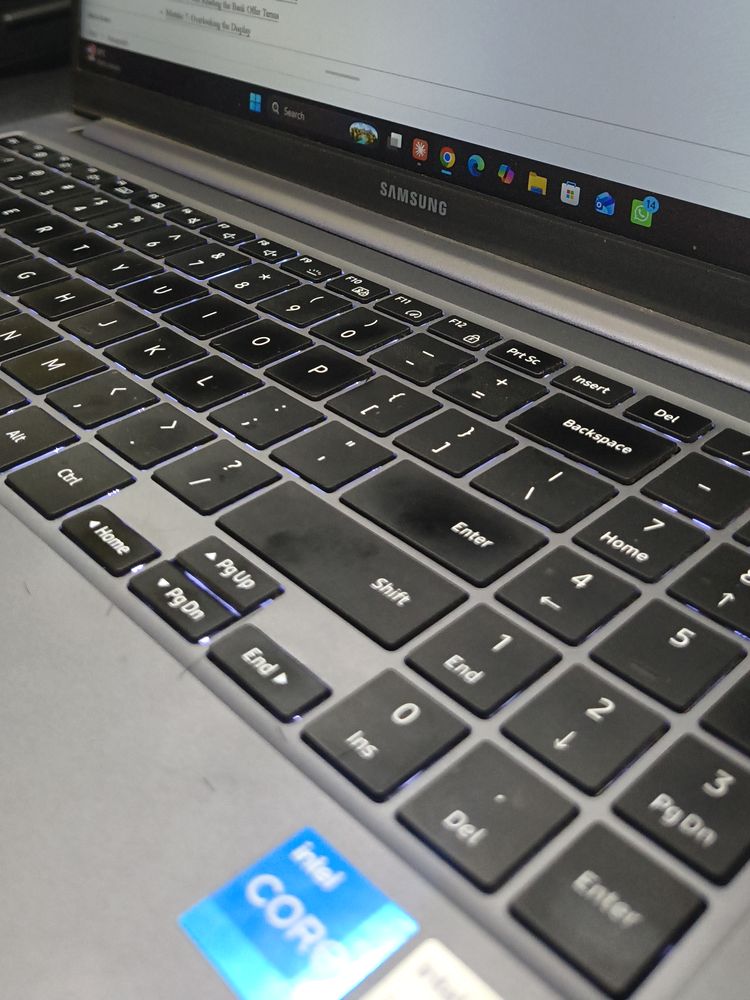
Sales are the favourite time to clear old stock, so this mistake is very common when buying a laptop in Amazon sale events. A laptop with an older-generation processor can look like a great deal on paper because it says “Core i7”, but a newer Core i5 can match or beat it in daily use while using less power and running cooler.
The letter at the end of the processor name matters just as much. A “U” chip is built for battery life and thin laptops, while an “H” or “HX” chip is built for heavy performance like gaming and video editing. Buying the wrong type for your use is a very common sale mistake.
How to avoid it: Always check the full processor name, including the generation number and suffix, not just “i5” or “i7”. My detailed i5 vs i7 laptop guide explains why generation often beats tier and how the new Intel Core Ultra naming works.
Mistake 3: Settling for 8GB of Soldered RAM
Many budget sale laptops ship with 8GB of RAM, and in a growing number of thin laptops that RAM is soldered to the motherboard. That means you can never upgrade it. Windows 11 alone uses a big share of that memory at idle, and with a browser full of tabs, the laptop starts to slow down within a year or two.
How to avoid it: For most buyers in 2026, 16GB is the safe choice. If a sale price forces you to choose, a 16GB model with a slightly older processor is often the smarter buy than an 8GB model with a newer one. Check the product page or the brand website to see whether the RAM is upgradeable. Read 8GB vs 16GB RAM: which is enough in 2026 for the full breakdown, and if you are buying for college, see how much RAM a student laptop really needs.
Mistake 4: Choosing Too Little Storage
A 256GB SSD fills up much faster than most people expect. After Windows, updates, Office and a few apps, the free space left can be surprisingly small. Some very cheap sale laptops still use slow eMMC storage or a hard disk, which makes even a good processor feel sluggish.
How to avoid it: Treat a 512GB NVMe SSD as the minimum for everyday use, and avoid eMMC and HDD-only laptops completely. My guide on 256GB vs 512GB vs 1TB SSD explains how much storage different users actually need.
See 16GB RAM + 512GB SSD Laptops on Amazon →
Mistake 5: Believing “No Cost EMI” Is Always Free
No Cost EMI sounds like free money, and it can be a good option. But it is worth understanding how it works. In most cases, the bank still charges interest, and the seller gives you an upfront discount equal to that interest. You end up paying the product price, but a few extra costs can still appear.
- GST on interest: Banks usually charge GST on the interest component, which the discount may not cover.
- Processing fee: Some banks add a one-time processing fee for EMI transactions.
- Lost bank discount: Choosing No Cost EMI can sometimes change which bank offer applies, so the final amount may be higher than a full-payment deal.
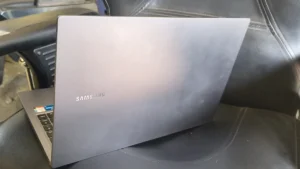
How to avoid it: Before you pay, compare the final amount for full payment against the total of all EMI instalments plus fees. Use EMI when it genuinely helps your budget, not because the label says “No Cost”. I bought my own Samsung Galaxy Book4 Metal on EMI, and checking the full cost breakdown first is a habit I would recommend to everyone.
Mistake 6: Not Reading the Bank Offer Terms
For the Great Indian Festival 2026, Amazon has announced a 10% instant discount for eligible SBI credit and debit card transactions, including eligible credit card EMI purchases. Offers like this can save real money when buying a laptop in Amazon sale events, but only if your purchase actually qualifies.
Bank offers usually come with conditions: a minimum transaction value, a maximum discount cap, specific card types, and sometimes a limit on how many times you can use the offer. An “instant discount” is taken off at checkout, while “cashback” arrives later and may come as Amazon Pay balance rather than money in your account.
How to avoid it: Open the offer details on the product page and read the terms before the sale day. Check the maximum discount cap, because a 10% offer with a low cap may save far less than 10% on an expensive laptop. If you do not have the right card, ask a family member in advance rather than rushing on sale day.
Mistake 7: Overlooking the Display
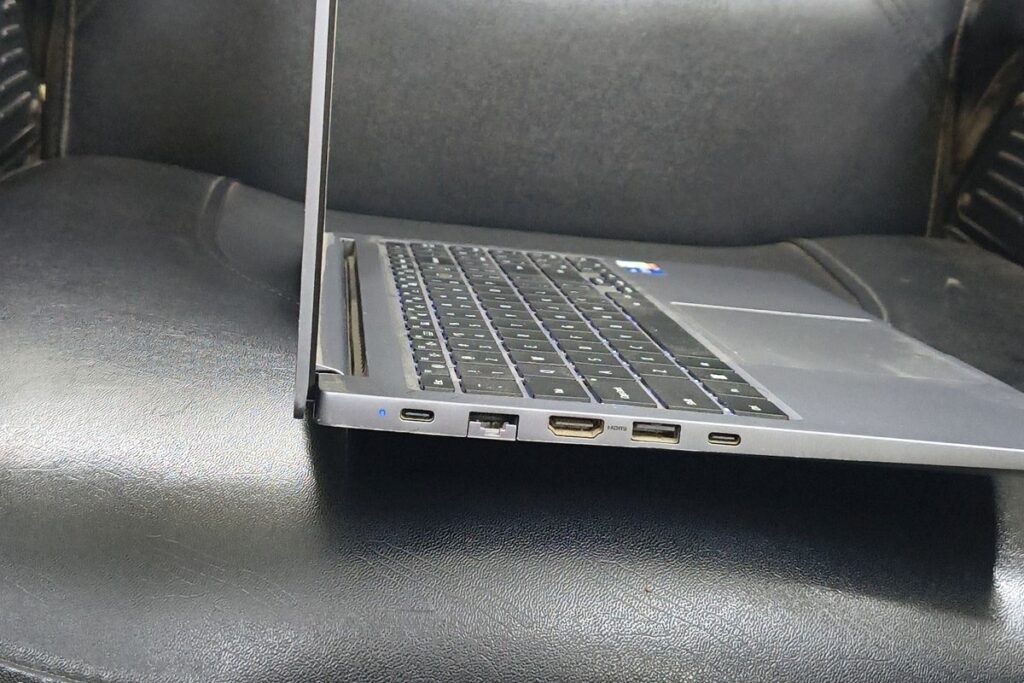
The screen is the part of the laptop you look at every single minute, yet it is the spec most buyers skip. Many budget sale laptops use dim, washed-out panels with poor viewing angles. Some still use HD (1366 x 768) resolution, which looks blurry on a 15.6-inch screen.
How to avoid it: Look for at least Full HD (1920 x 1080) resolution and an IPS or OLED panel. If brightness is listed, around 300 nits or more is comfortable for indoor use. If the product page hides the display details, check the brand’s official specification page before buying.
Mistake 8: Not Checking the Seller and Warranty
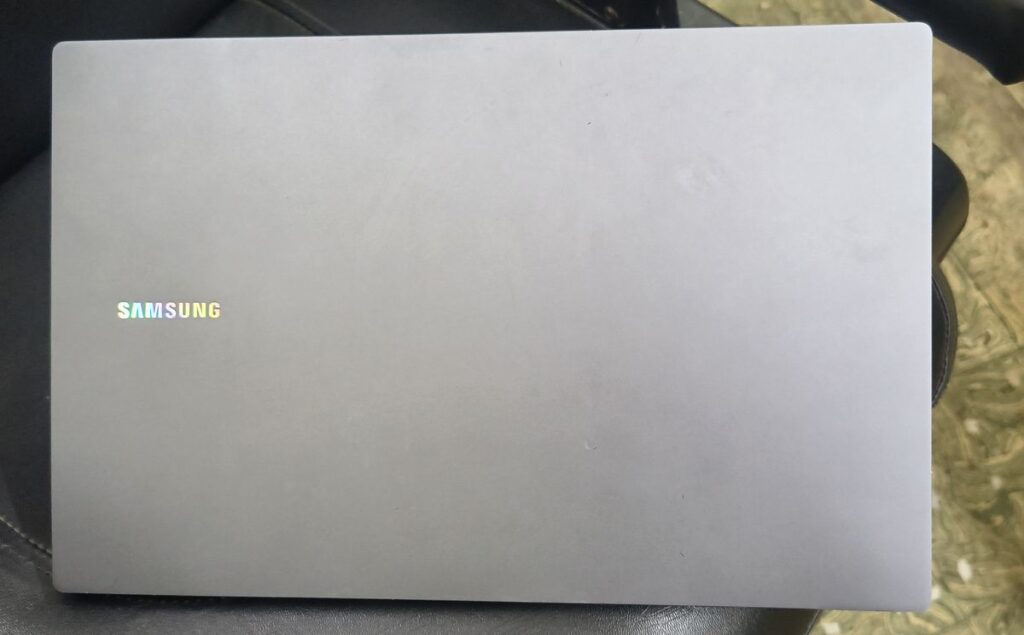
Not every listing on Amazon is sold by the same kind of seller. The warranty on a laptop comes from the brand, not the shop, but you still need a valid GST invoice and a genuine unit for the brand to honour it. Some listings are refurbished or “Renewed” units, which come with a different warranty from a brand-new laptop.
How to avoid it: Check the “Sold by” name on the product page, read recent seller ratings, and confirm whether the laptop is new or renewed. After delivery, register the laptop on the brand’s website and confirm the warranty start date. If you ever need service, my guide on how to claim warranty for online purchases in India walks you through every step. And if a renewed laptop tempts you, read how to safely buy a refurbished laptop online first.
Mistake 9: Ignoring the Return and Replacement Policy
Many buyers assume they can simply return a laptop if they do not like it. In reality, many laptops on Amazon.in come with a replacement-only policy for a short window, which covers defective or damaged units, not a change of mind. Some listings also require a brand technician to verify the fault before a replacement is approved.
How to avoid it: Read the return line on the product page before ordering. When the parcel arrives, record a continuous unboxing video from the sealed box to the first boot. Test the laptop fully within the replacement window, not a week later.
Mistake 10: Panic Buying on Day One
Countdown timers, “only 2 left in stock” messages and lightning deals are designed to rush you. Panic buying is the most common mistake when buying a laptop in Amazon sale events, and it is how people end up with a laptop they did not research, in a configuration they did not need.
How to avoid it: Do all your research this week. Shortlist two or three laptops that suit your needs, know the normal price of each, and decide your maximum budget. On sale day, you only need to check whether one of your shortlisted models hits a good price. If none does, remember that big sales return several times a year.
Check Today’s Laptop Deals on Amazon →
Your Pre-Sale Laptop Checklist
Use this quick checklist before buying a laptop in Amazon sale events:
| Check | What to look for |
|---|---|
| Budget | Fixed maximum amount, including EMI costs |
| Processor | Recent generation, correct suffix (U for battery, H/HX for performance) |
| RAM | 16GB preferred; check if it is upgradeable |
| Storage | 512GB NVMe SSD minimum; no eMMC or HDD-only |
| Display | Full HD, IPS or OLED, around 300 nits or more |
| Price history | Tracked for at least a few days before the sale |
| Bank offer | Card eligibility, minimum value and discount cap confirmed |
| Seller | Trusted seller, brand-new unit, GST invoice |
| Return policy | Replacement window and conditions read |
| Shortlist | Two or three models saved in wish list or cart |
What to Do Right After Your Laptop Arrives
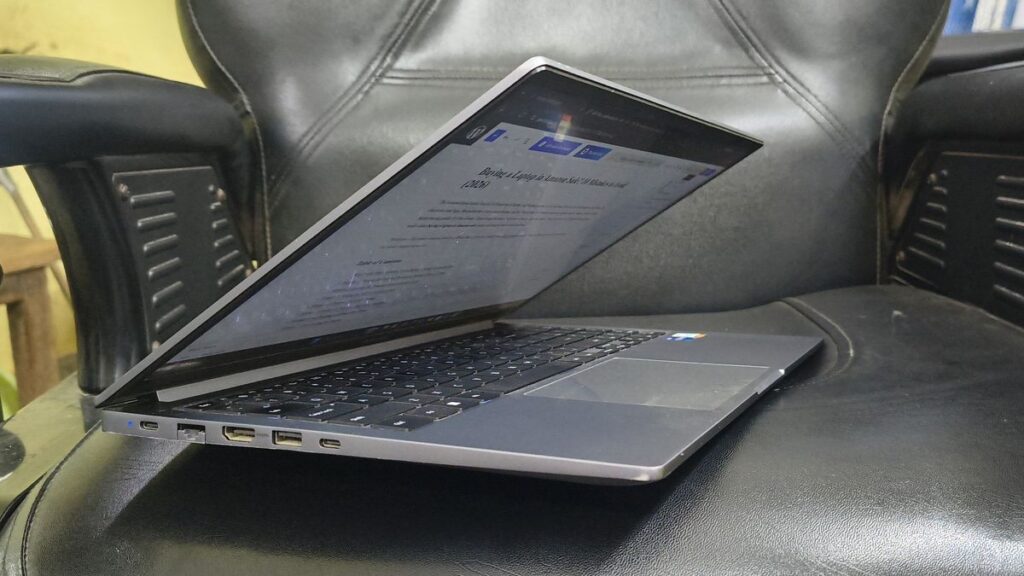
- Record the unboxing in one continuous video, showing the sealed box and the shipping label.
- Verify the specifications. Press Windows + R, type
msinfo32and confirm the processor and RAM match what you paid for. Check storage size in File Explorer. - Check the display for dead pixels, bleeding or uneven brightness using a plain white and a plain black screen.
- Test every port, the keyboard, trackpad, webcam, speakers and Wi-Fi.
- Register the warranty on the brand website and save a copy of your GST invoice.
Whenever you are buying a laptop in Amazon sale events, doing this within the first two days means that if anything is wrong, you are still well inside the replacement window.
Final Thoughts
Buying a laptop in Amazon sale events can save you thousands of rupees, but only if you buy the right laptop at a genuinely good price. Decide what you need first, shortlist early, understand the bank offer and EMI costs, and never let a countdown timer make the decision for you. Follow the checklist above and you will avoid the mistakes that most sale buyers regret later.
If you are a gamer, my ASUS TUF Gaming F16 review shows what to expect from a performance laptop in the mid-range segment.
Frequently Asked Questions
Is it a good idea to buy a laptop from Amazon sale?
Yes, if you research first. Buying a laptop in Amazon sale events like the Great Indian Festival often brings genuine price drops and bank discounts on laptops. The key is to shortlist models in advance and compare the sale price with the normal selling price, not the MRP.
Is it safe to buy a laptop from Amazon?
Yes, as long as you check who the seller is. Buy a brand-new unit from a trusted seller with good ratings, make sure you receive a GST invoice, and register the warranty on the brand website after delivery. Recording an unboxing video adds extra protection if the laptop arrives damaged or defective.
What is the best time to buy a laptop on Amazon?
Big sales such as the Great Indian Festival in October, Prime Day in July and the Republic Day sale in January usually bring the best combination of price drops and bank offers. Back-to-school and new model launches can also push older models down in price. Whatever the timing, track the price of your shortlisted laptop for a few days so you can recognise a genuine deal.
Will laptops get cheaper in 2026?
Probably not. Through 2026, reports have pointed to rising laptop prices in India because memory (RAM) has become more expensive, with some estimates suggesting increases of up to 35%. That makes festive sale discounts and bank offers more valuable than usual, but it also makes it even more important to avoid the mistakes in this guide.
When does the Amazon Great Indian Festival 2026 start?
Amazon has announced that the Great Indian Festival 2026 starts on 8 October 2026. Prime members usually get early access before the sale opens to everyone.
Is No Cost EMI really free on Amazon?
Not always. The interest is usually offset by a discount, but you may still pay GST on the interest and a bank processing fee. Compare the total EMI amount with the full-payment price before choosing.
How much RAM should I buy in a sale laptop?
16GB is the safe choice for most buyers in 2026, especially if the RAM is soldered and cannot be upgraded later. 8GB is only suitable for very light use like browsing and documents.
Can I return a laptop bought in Amazon sale?
Many laptops on Amazon.in are replacement-only for a short period and only for defective or damaged units. Check the return line on the product page before ordering, and test the laptop fully as soon as it arrives.
Should I buy a laptop on the first day of the sale?
Only if one of your shortlisted laptops hits a price you have already decided is good. Some of the best deals appear on day one, but buying without a shortlist is how most sale mistakes happen.